DiscordDiscord
Back to Generate
AI Video Editor
Guide
*Reference MaterialsAdded 0/12
Tap to Add Material

Supports images, videos, and audio

Up to 12 materials

*Prompt
Translate Prompt
Resolution
Duration
Seed
Public Visbility
vip
Copy Protection
vip

Credits required:

0
Generate
Examples
Current Function History
View all history
AI Video Editing Online Free

One-Click AI Video Editing Online Free

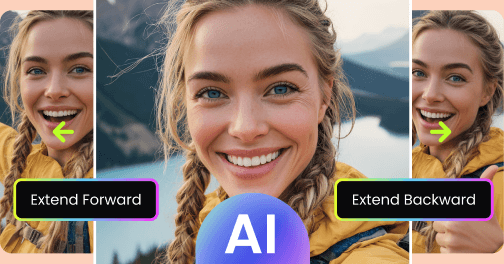
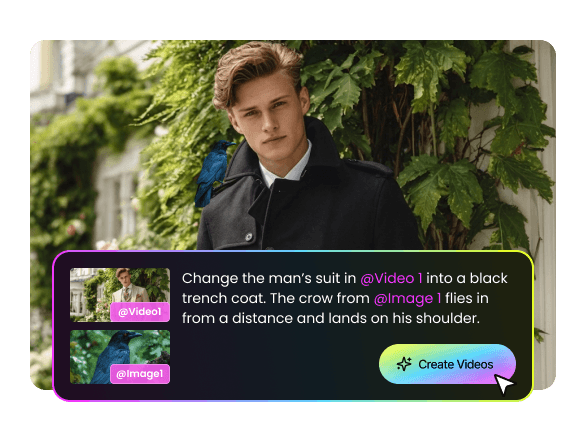
No need to start from scratch or search for new materials. Simply upload your existing video and enter what you want to edit. You can make precise adjustments to specific clips, actions, or pacing. Whether you want to extend a few seconds, fine-tune character expressions, modify motion details, or optimize the video's rhythm, it can all be done quickly. Free AI video generator no watermark can analyze your video content and apply targeted edits without affecting other parts, ensuring every clip aligns perfectly with your creative vision. No need to generate from scratch or have professional editing skills—high-quality adjustments are effortless.

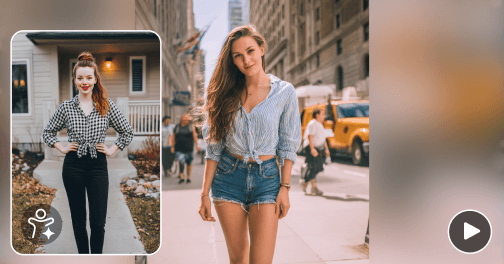
Remove Unwanted Objects or People

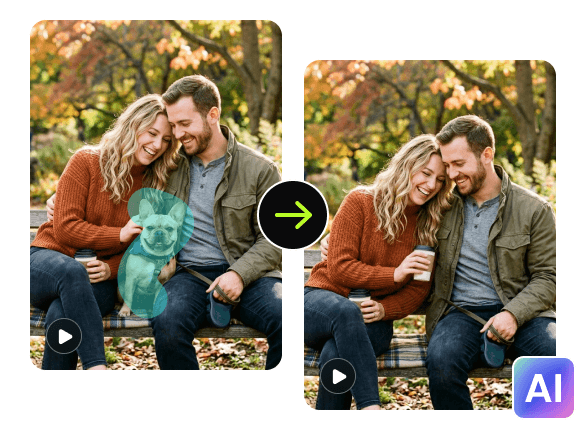
Videos often contain background elements or extra people you don't want. Video editor uses advanced AI detection to automatically identify and safely remove these unwanted elements. Whether it's pedestrians, clutter, or distracting objects in the scene, the system handles it quickly while keeping the footage natural, smooth, and seamless. Removing these elements also brings the focus to the main subject, making your video cleaner and more professional.

AI Remove Objects Or People
Add Subtitles

Add Subtitles with AI-Powered Video Editing Tool

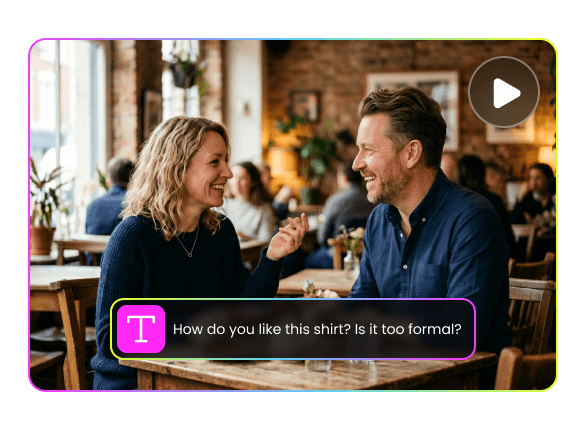
AI Adding subtitles to video can improve both comprehension and viewing experience. Picwand's free online video editor can automatically recognize speech in your video and generate accurate subtitles, supporting multiple languages for easy international content creation. You can customize font, color, size, and position to perfectly match your video. This feature is ideal for social media, short videos, online courses, and advertising content.

AI Change Video Background

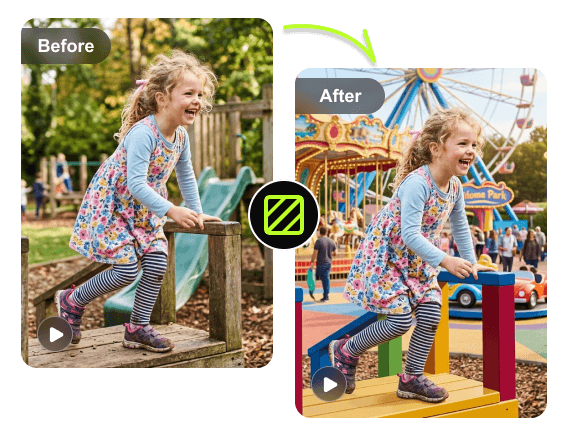
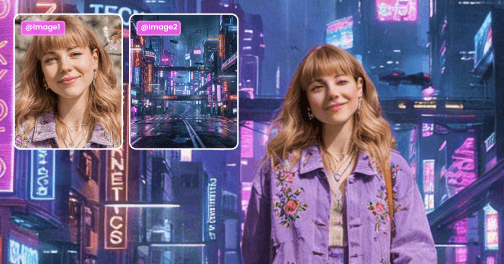
Our online video editor lets you replace video backgrounds using simple text instructions. Swap your original background for a different scene to create creative shorts, commercials, or educational videos with strong visual impact. By replacing or enhancing backgrounds, you can elevate the overall style and quality of your video.

AI Change Video Background
Video Style Transfer

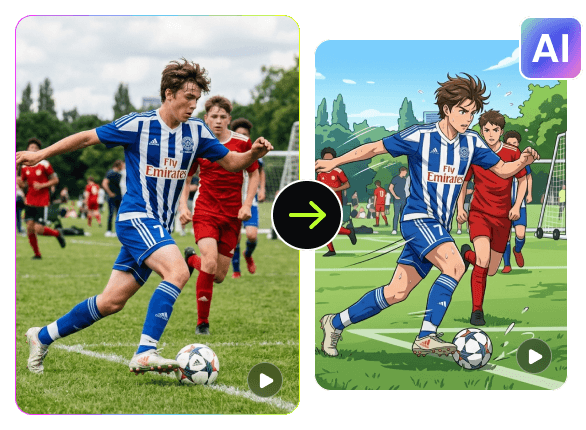
Video Style Transfer

Transform ordinary videos into cinematic, animated, retro, or other creative styles with just one click. Simply enter your desired style or upload videos or reference images, and online video editing automatically applies the optimal processing to enhance color, lighting, and atmosphere, delivering a high-quality, visually stunning final result.

Edit Videos with AI in 3 Steps

Upload

Step 1

Upload the video and enter the content you want to edit.

Dot
Upscale

Step 2

Generate an edited video with AI.

Dot
Download

Step 3

Download the video.

What Our Users Are Saying

4.9

AI Video Editor is so convenient! I can edit video clips in just a few minutes, much faster than manual editing. The targeted action and pacing adjustment feature makes it much easier to bring my creative ideas to life.

Grace

Video Creator

Grace
4.8

The remove people and background replacement features are a lifesaver! Videos look clean and cinematic, engagement rates have noticeably increased, and it saves a lot of post-production time.

Eleanor

Short-Form Content Manager

Eleanor
4.8

Video editing with AI provides an excellent experience. The video style transformation feature is amazing. With one click, I can turn ordinary footage into cinematic or retro style videos. The visual impact is incredible, and my clients are very satisfied.

Robert

Advertising Producer

Robert
4.7

I love how easy it is to remove unwanted objects from my videos. This AI video editor keeps everything clean and professional without the need for complicated software.

Henry

Social Media Influencer

Henry

Frequently Asked Questions

What is an AI video editor?

AI video editor is an AI tool that allows you to edit videos online by simply uploading videos and text commands, without the need for complex operations

How to edit videos with AI?

Simply use Picwand's online AI video editor—upload your video and enter the edits you want, and you can quickly edit your video without any editing skills.

Does online video editing support online editing?

Yes, there is no need to download any software. You can edit videos online and easily use our tools for video adjustment, subtitle addition, style conversion, and other operations. The operation is simple and fast, which is very suitable for educators, enterprises, and short video creators.

Can I directly edit existing videos?

Absolutely possible! Upload existing videos to make targeted modifications to clips, actions, or rhythms without the need for remaking. AI Video Editor can intelligently recognize video content to ensure that other parts are not affected. Even long videos can be quickly processed, saving a lot of time and effort, making them very suitable for local optimization or fine-tuning of videos.

Do I need professional video editing skills to use it?

No need at all! Picwand AI video editor is designed for all users, with simple and intuitive operation that does not require any editing experience. Simply upload videos and input text to edit videos

Why Choose Picwand AI Video Editor

AI One-Click Video Editing

AI One-Click Video Editing

Professional Video Output

Professional Video Output

No Editing Skills Needed

No Editing Skills Needed

Privacy Protected

Privacy Protected

Picwand AI Video Editor

Also available for mobile: